
How to write product, brand, collection, page, and blog descriptions with AI
Writing original promotional copy and Google SEO text for hundreds of product, category, brand, and blog pages can take days. With Daras's built-in Yapay zekâ yazım asistanı (AI writing assistant), you can fill in all content fields across the dashboard with a single click.
1. Generating Product Descriptions and SEO Titles
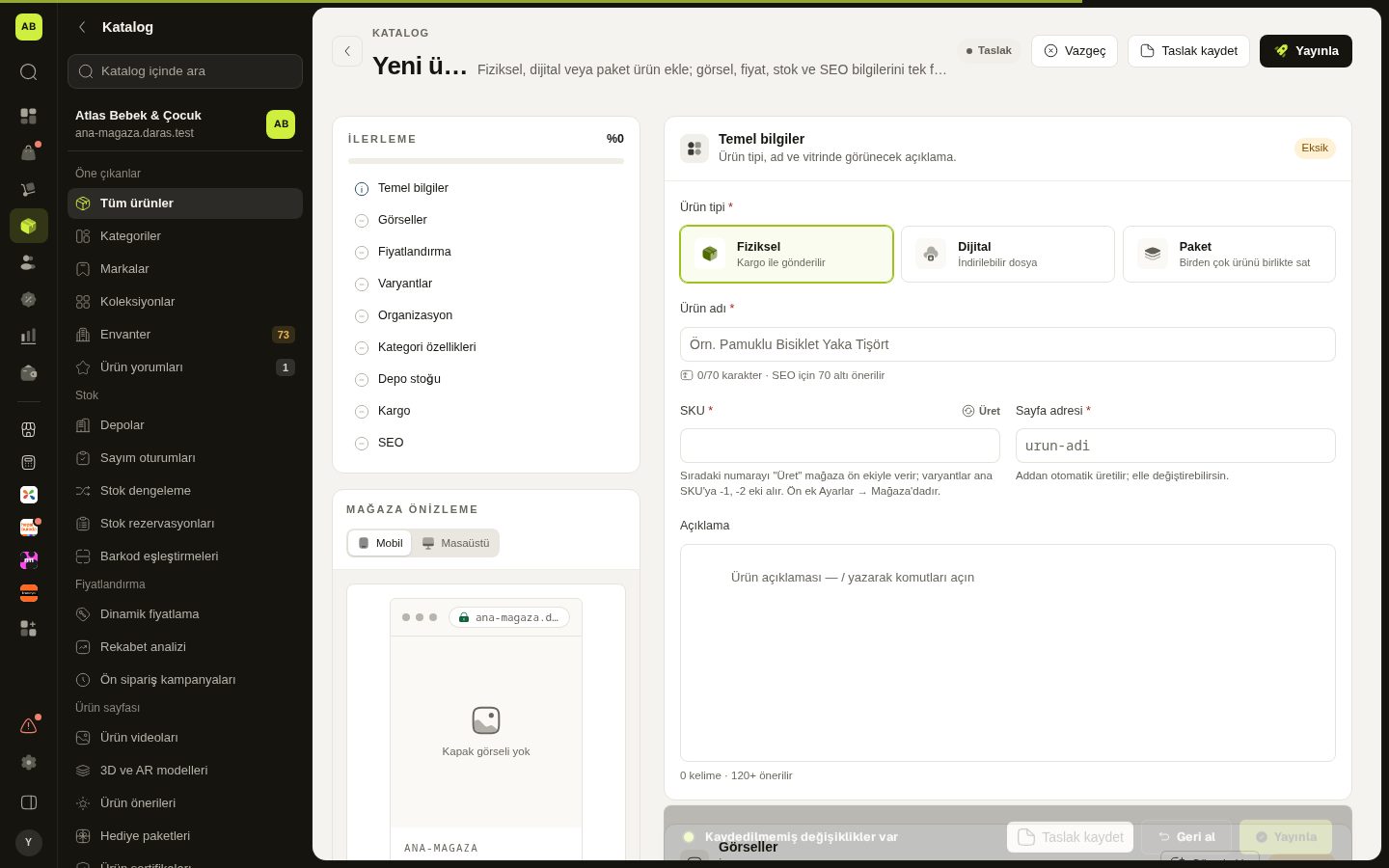
- On the add or edit product screen, click the Yapay zekâ ile yaz (Write with AI) button at the top right of the Açıklama (Description) box.
- Select the keywords you want to highlight and the tone (İkna Edici Satış (Persuasive Sales), Teknik ve Detaylı (Technical and Detailed), Sade ve Samimi (Simple and Friendly)).
- Using the product title, category, and attributes, the system automatically generates rich description text with subheadings and bullet points, along with SEO başlığı / Meta açıklaması (SEO title / Meta description).
2. Generating Brand, Category, Collection, Page, and Blog Content
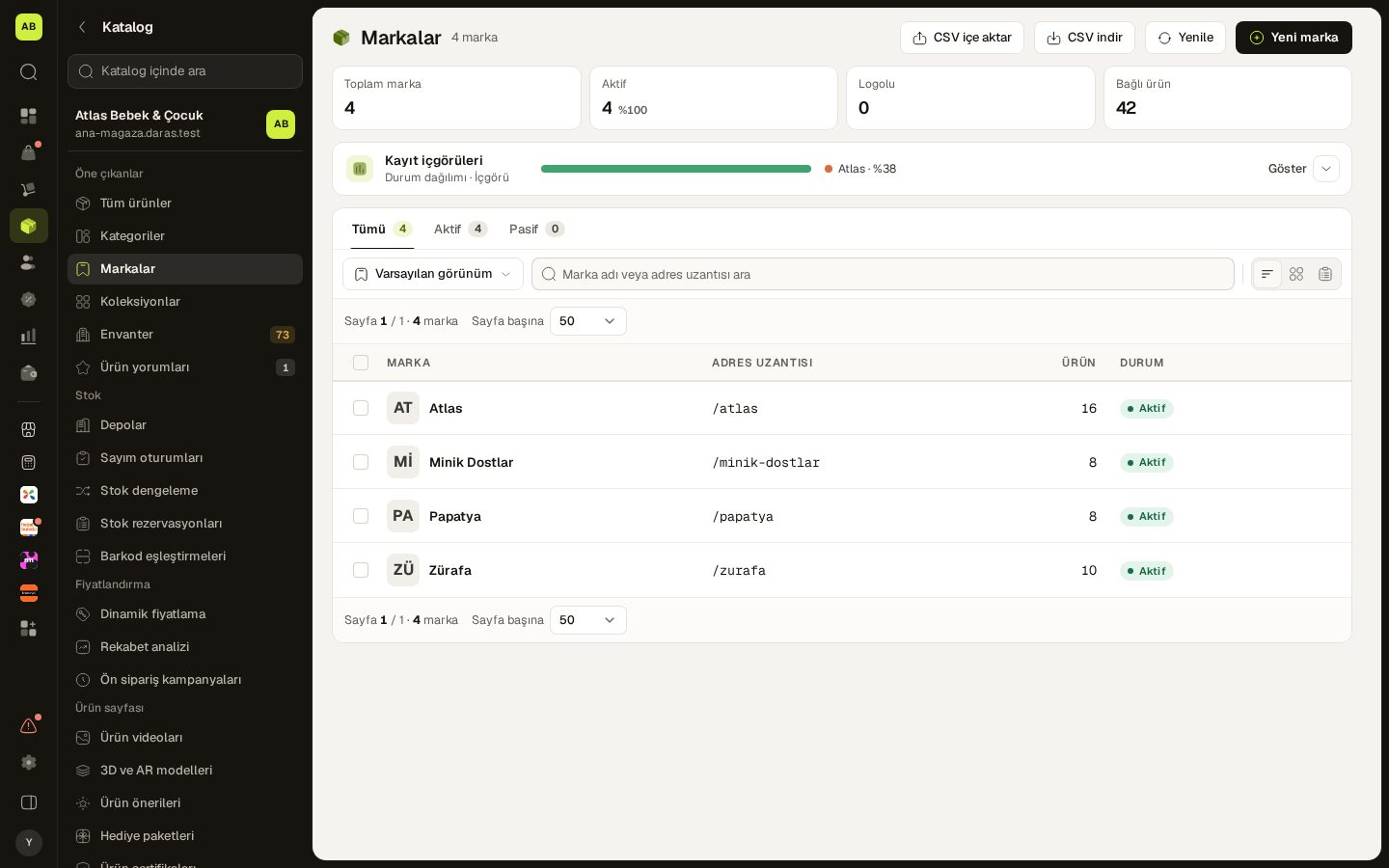
- On the Markalar (Brands) and Koleksiyonlar (Collections) screens, open the edit dialog and click the Yapay zekâ ile açıklama oluştur (Generate description with AI) button; rich text is prepared to appear at the top of the brand or collection page on your storefront.
- On the Kategoriler (Categories) page, generate category descriptions in bulk using the Yapay zekâ ile SEO (SEO with AI) button in the top bar.
- On the Vitrin → Sayfalar (Storefront → Pages) and Blog (Blog) screens, enter a topic title to draft corporate "About Us" copy or a comprehensive blog guide.
- Audit missing meta titles and broken links across your store from the Pazarlama → SEO merkezi (Marketing → SEO center) page, and manage the photo-based product discovery experience on the Görsel arama (Visual search) screen.
Common Issues and Solutions
| Issue | Cause | Solution |
|---|---|---|
| AI wrote a very generic description | The product name was entered too briefly (for example, just "Dress") and category attributes are empty | Add material or style details to the product name, or run the Otomatik özellik doldurma (Auto-fill attributes) tool first. |
| I am getting the "Yapay zekâ krediniz bu işlem için yetmiyor" ("Your AI credits are insufficient for this action") warning | Monthly plan-included credits and purchased credits have run out | Buy a credit pack or connect your own key under Ayarlar → Yapay zekâ kredisi (Settings → AI credits); see AI credits and your own key for details. |
| "Tek seferde en çok 5.000 kayıt işlenebilir" ("At most 5,000 records can be processed at once") or "Filtre çok fazla ürünü kapsıyor" ("Filter covers too many products") | The bulk fill selection is too broad | Filter the list by category or status and start with a smaller selection. |
| "Aynı türde bir toplu doldurma sürüyor" ("A bulk fill of the same type is already in progress") | Another bulk task of the same type is still running in your store | Wait for the task to finish and start again. |
| "İşlem yarıda kaldı" ("Process was interrupted") | The bulk task stopped due to an error or interruption | Resume from where it left off using the resume button on the task row; only interrupted tasks can be resumed. |
| "Bu işlem geri alınamaz" ("This action cannot be undone") | Undo only works on completed tasks that modified records | Undo is not needed for tasks that made no changes or are still in progress. |
| "Dolu metinlerin üzerine yazmak için kayıtları tek tek seçin" ("Select records individually to overwrite existing text") | Overwriting titles in bulk on pages that already get Google traffic can hurt rankings | Select the records you want to overwrite individually from the list. |
| "Açıklamaya dokunulmadı" ("Description was left untouched") | The description contains a table, link, or image; AI skips it so nothing is lost | Edit the descriptions of those products manually. |
| "Seçilen kayıtlarda doldurulacak alan yok" ("No fields to fill in the selected records") | The relevant fields of your selected records are already filled in | Select the records individually if you want to overwrite them. |
Tips
- Before saving AI-generated copy, adding your store-specific shipping or return perk (for example, "Orders placed before 3:00 PM ship the same day") to the final paragraph boosts conversion rates.