
How to record expense documents, purchase invoices, tax filings, and KEP transmissions
In e-commerce, issuing sales invoices alone is not enough; regularly recording shipping, advertising, commission, and product purchase invoices lets you see your true net profit and complete your month-end accounting close in minutes.
1. Recording Expense Documents and Purchase Invoices
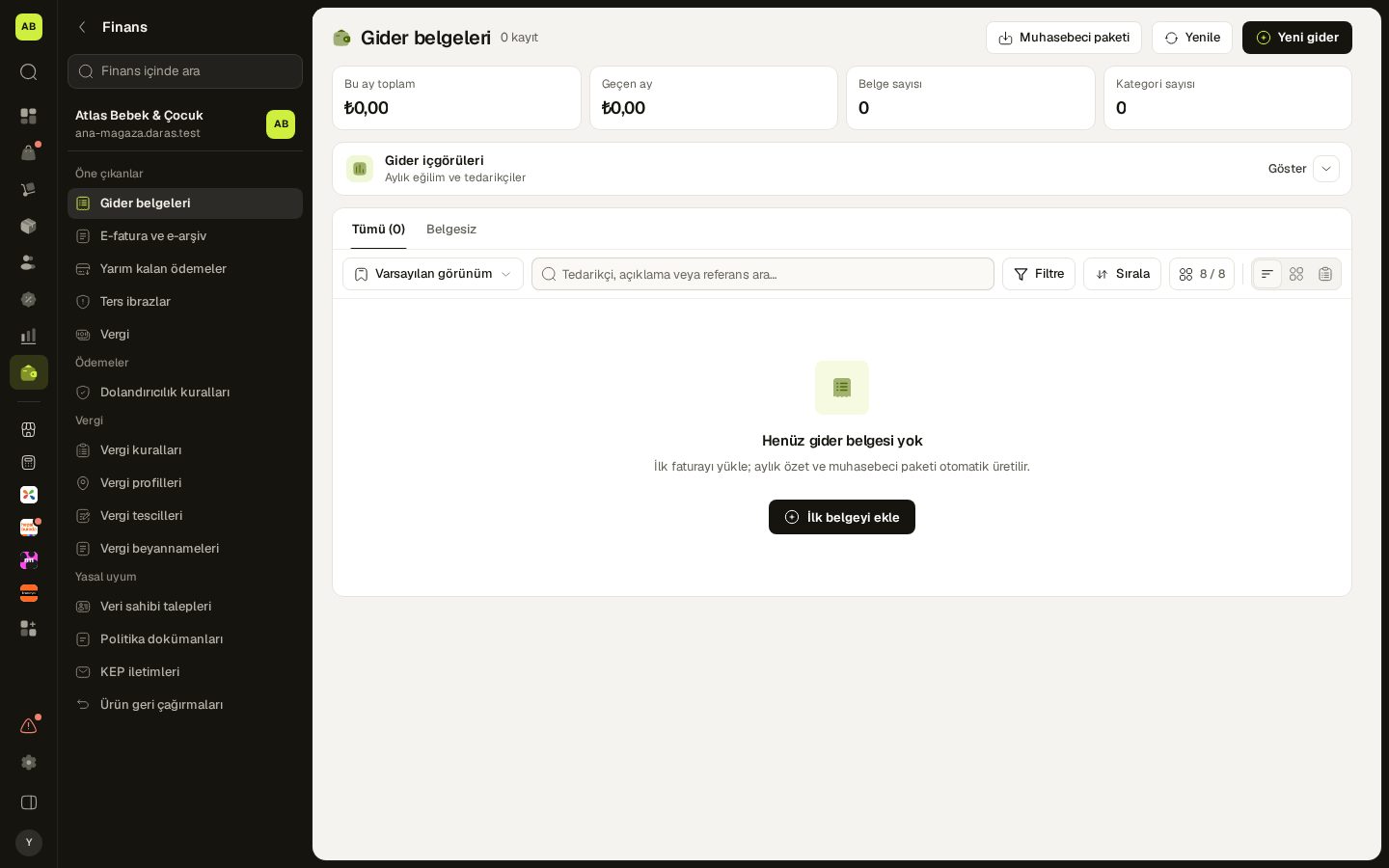
- Go to the Finans → Gider belgeleri (Finance → Expense documents) page from the left menu.
- Click the Yeni gider (New expense) button in the top right.
- Enter the supplier/organization name, document number, VAT rate, amount, and select the expense category (Kargo (Shipping), Reklam (Advertising), Ürün Alışı (Product Purchase), Ambalaj (Packaging), Yazılım/Hizmet (Software/Service)); upload the invoice PDF or receipt photo and save.
- At the end of the month, click the Muhasebeci paketini indir (Download accountant package) button at the top to send all records to your accountant.
2. Tax Registrations and Tax Filing Preparation
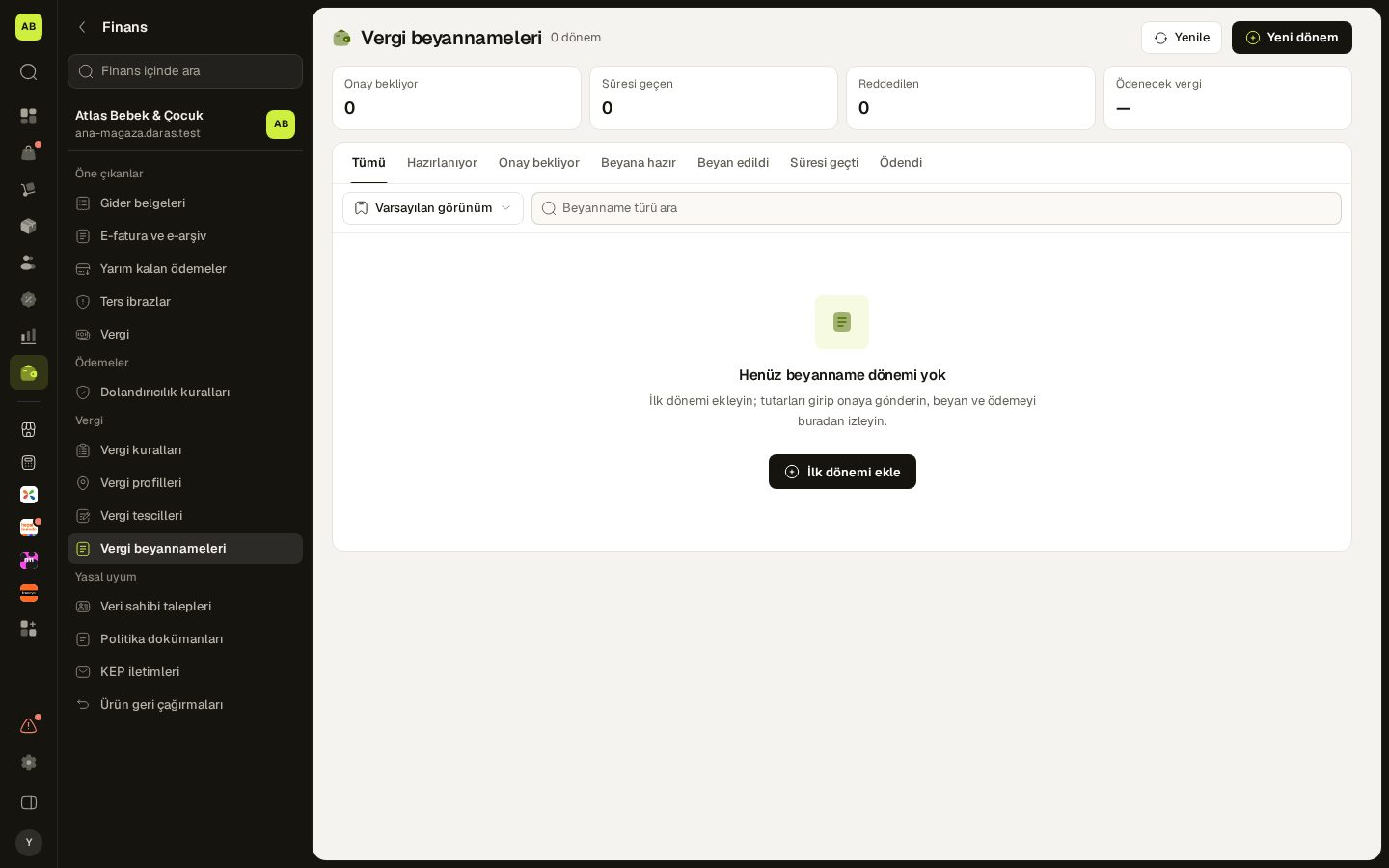
- Define your domestic and international (OSS/IOSS or export) tax ID numbers on the Uyumluluk → Vergi kayıtları (Compliance → Tax registrations) screen.
- Check periodic sales and deductible VAT summaries on the Vergi beyanları (Tax filings) page; open the period details to create a pre-filing reconciliation approval trail.
3. Registered Electronic Mail (KEP) Transmissions
- Track your official notices, contract terminations, or legal notification records on the Uyumluluk → KEP gönderimleri (Compliance → KEP transmissions) screen.
Common Issues and Solutions
| Issue | Cause | Solution |
|---|---|---|
| Some expenses are missing from the accountant package | The date filter does not cover the relevant month or the expense remained in draft | Check the date range, click the Kayıtları göster (Show records) button, and approve any draft documents. |
| Return VAT does not appear deducted in the tax filing summary | The expense voucher or return invoice for the returned order has not been matched yet | Verify on the E-fatura ve e-arşiv (E-invoice and e-archive) screen that the return document has been issued. |
Tips
- If you add your Meta (Instagram/Facebook) and Google ad invoices to the Gider belgeleri screen on the first day of every month, your net profit calculation in reports will accurately reflect your profit after ad costs.