
How to answer marketplace customer questions from the dashboard
Short answer: You can view customer product questions across your connected marketplace stores (Trendyol, Hepsiburada, n11, Pazarama, etc.) in one central place on the Satış Kanalları → Pazaryeri soruları (Sales Channels → Marketplace questions) screen—without signing in to separate seller dashboards—and reply instantly using the Soruyu yanıtla (Answer question) button.
Step-by-Step: Answering Marketplace Questions
Step 1: Fetch and Filter Recent Questions
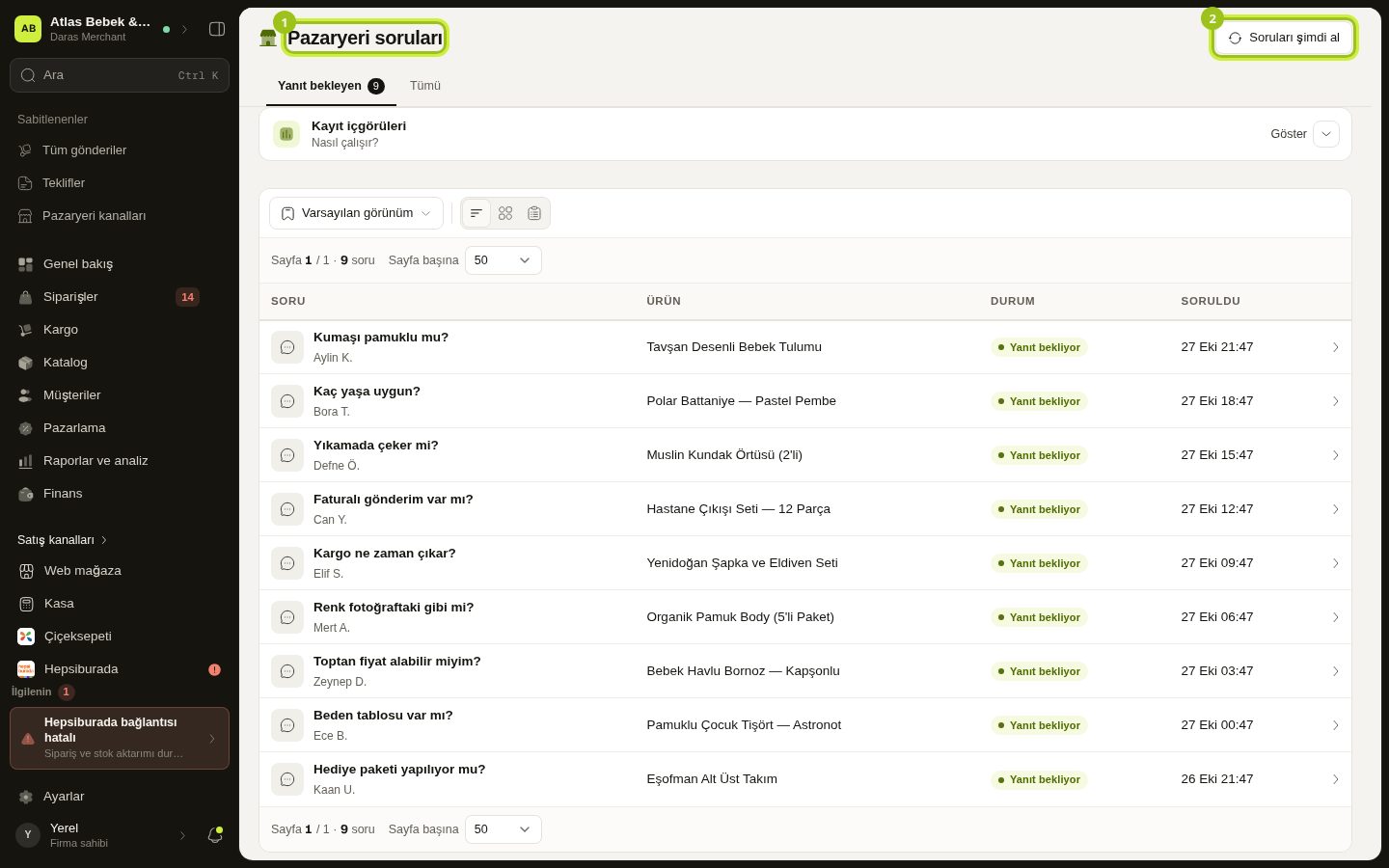
- From the left menu, go to Satış Kanalları → Pazaryeri soruları.
- Questions are fetched automatically at regular intervals; to check for the very latest questions right away, click Soruları şimdi al (Fetch questions now) in the top-right corner.
- Use the top filters to filter by marketplace channel or unanswered questions.
Step 2: Write and Send Your Reply
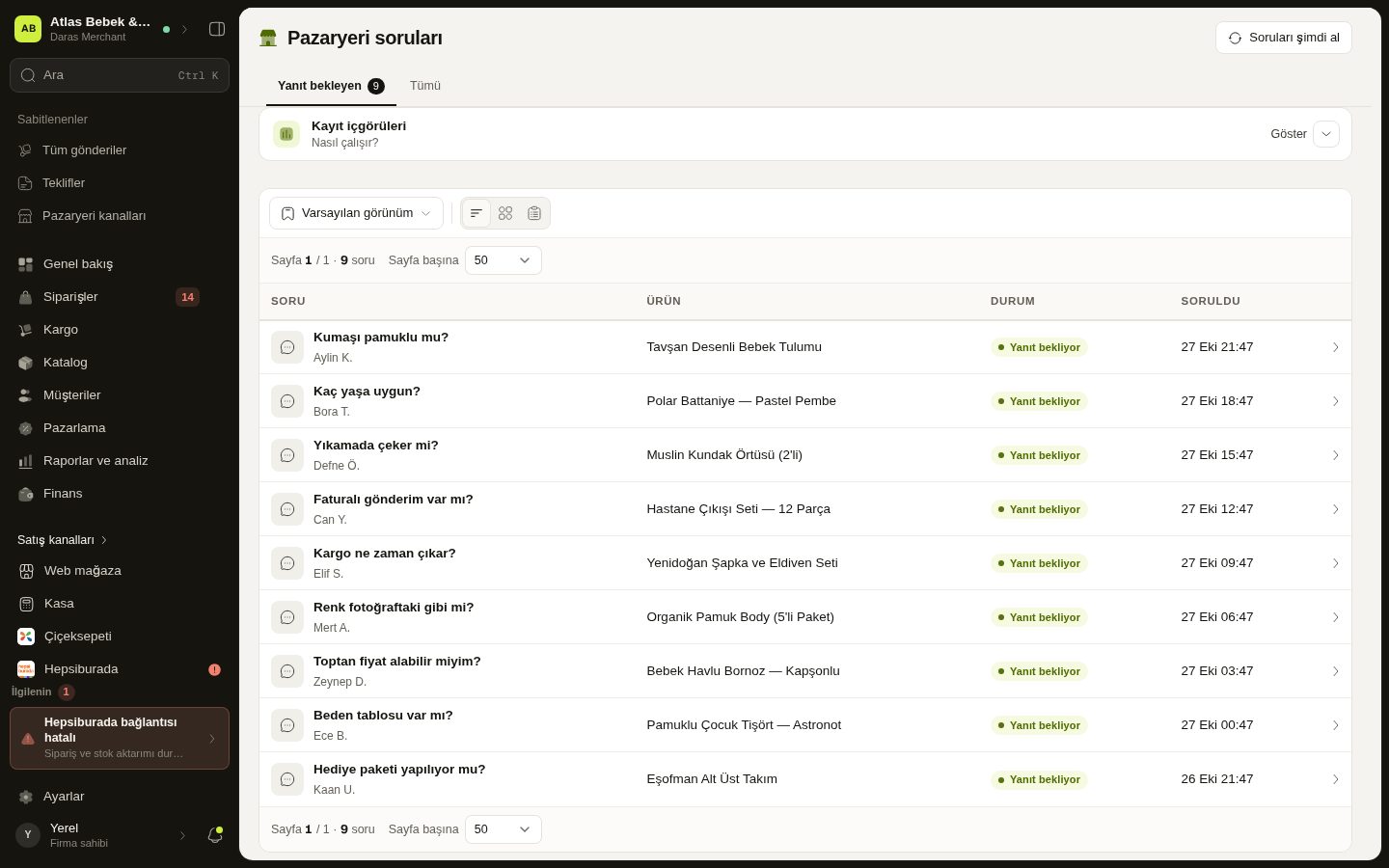
- On the row of the question you want to answer, review which product it refers to, the customer's question, and the timestamp.
- Click the Soruyu yanıtla button on the right side of the row.
- In the modal that opens, type a clear, polite answer in the Yanıtınız (Your reply) field that complies with marketplace guidelines (no phone numbers or external website links).
- Click Yanıtı gönder (Send reply).
Common Issues and Solutions
| Issue / Warning | Cause | Solution |
|---|---|---|
| "Sorular alınamadı" ("Failed to fetch questions") | Your marketplace API key has expired or Q&A permissions were not granted in the seller dashboard. | Check your channel connection on the Pazaryeri kanalları (Marketplace channels) page and click Tekrar dene (Try again). |
| Reply was rejected by the marketplace | The reply text contained a phone number, email address, IBAN, or your own website URL. | Marketplaces block replies containing contact details through automated security filters; resend your answer focusing solely on product details. |
Tips
- Add frequently asked questions to the product description: If customers repeatedly ask "How does it fit?" or "How long is the warranty?" for the same item, open the product from the Ürünler (Products) list and add those details to its description and category attributes to both reduce incoming questions and increase conversion rates.