
How to manage KVKK (Turkish data protection law) consent records (İYS), legal agreements, data requests, and product recalls
Daras comes with built-in record-keeping and agreement tools so your e-commerce store can operate in full compliance with Turkey's KVKK (Turkish data protection law), ETK / İYS (Commercial Electronic Message Consents), and Consumer Protection Regulations (Distance Sales and Pre-Information).
1. Managing Commercial Message and KVKK Consent Records
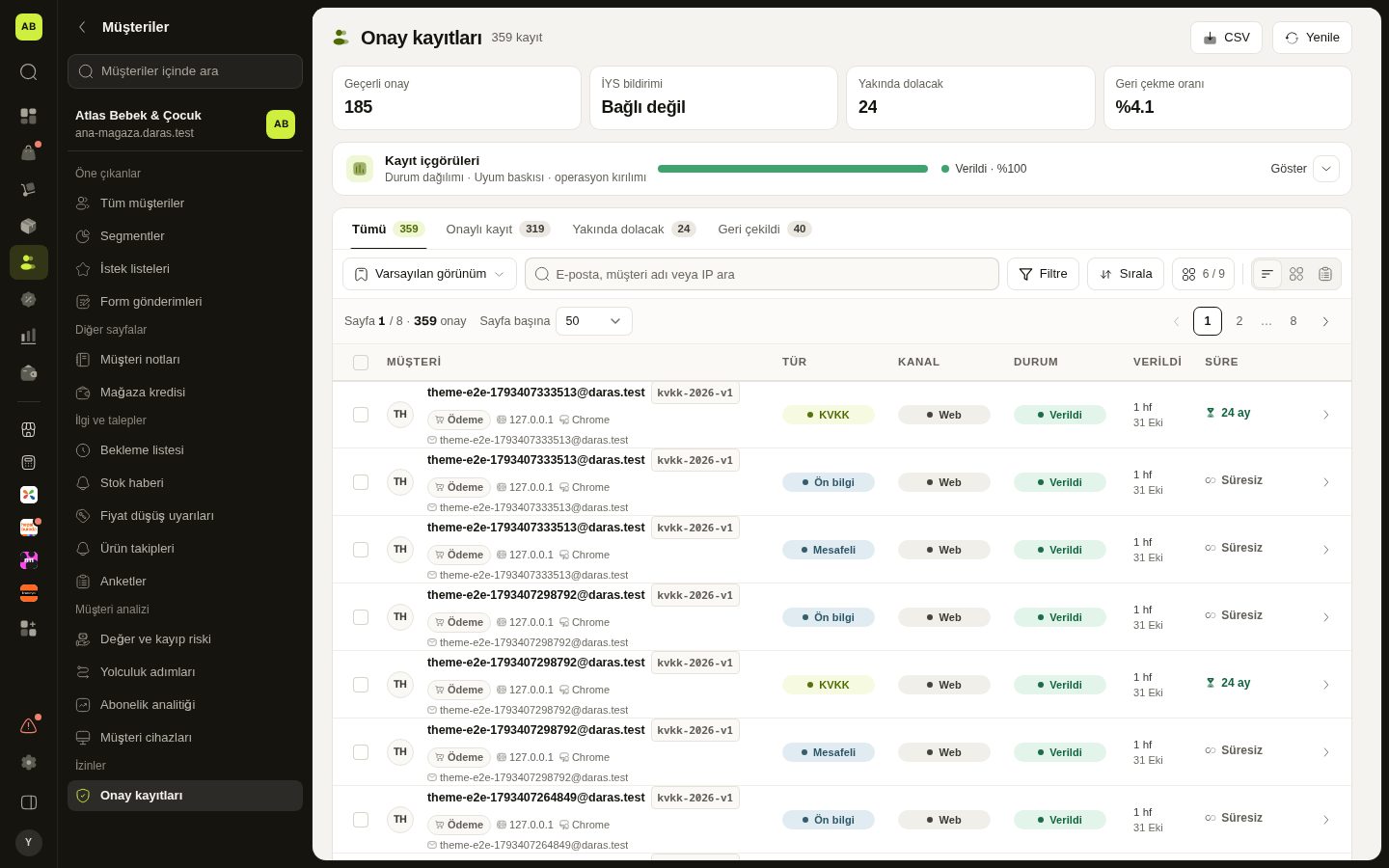
- From the left menu, go to Müşteriler → Onay kayıtları (Customers → Consent records).
- Check the Geçerli onay (Valid consent) and İYS bildirimi (İYS notification) statuses on the summary cards at the top.
- View the date, IP address, and channel (E-posta (Email), SMS, Telefon (Phone)) for which the customer gave consent in the row details.
- Download the timestamped consent list for audits or archiving using the Seçimi dışa aktar (Export selection) button; use the Toplu geri çek (Bulk withdraw) button for request-based bulk revocations.
2. Legal Agreements and Data Processing Agreement (DPA)
- Open the Uyumluluk → Yasal sözleşmeler (Compliance → Legal agreements) screen.
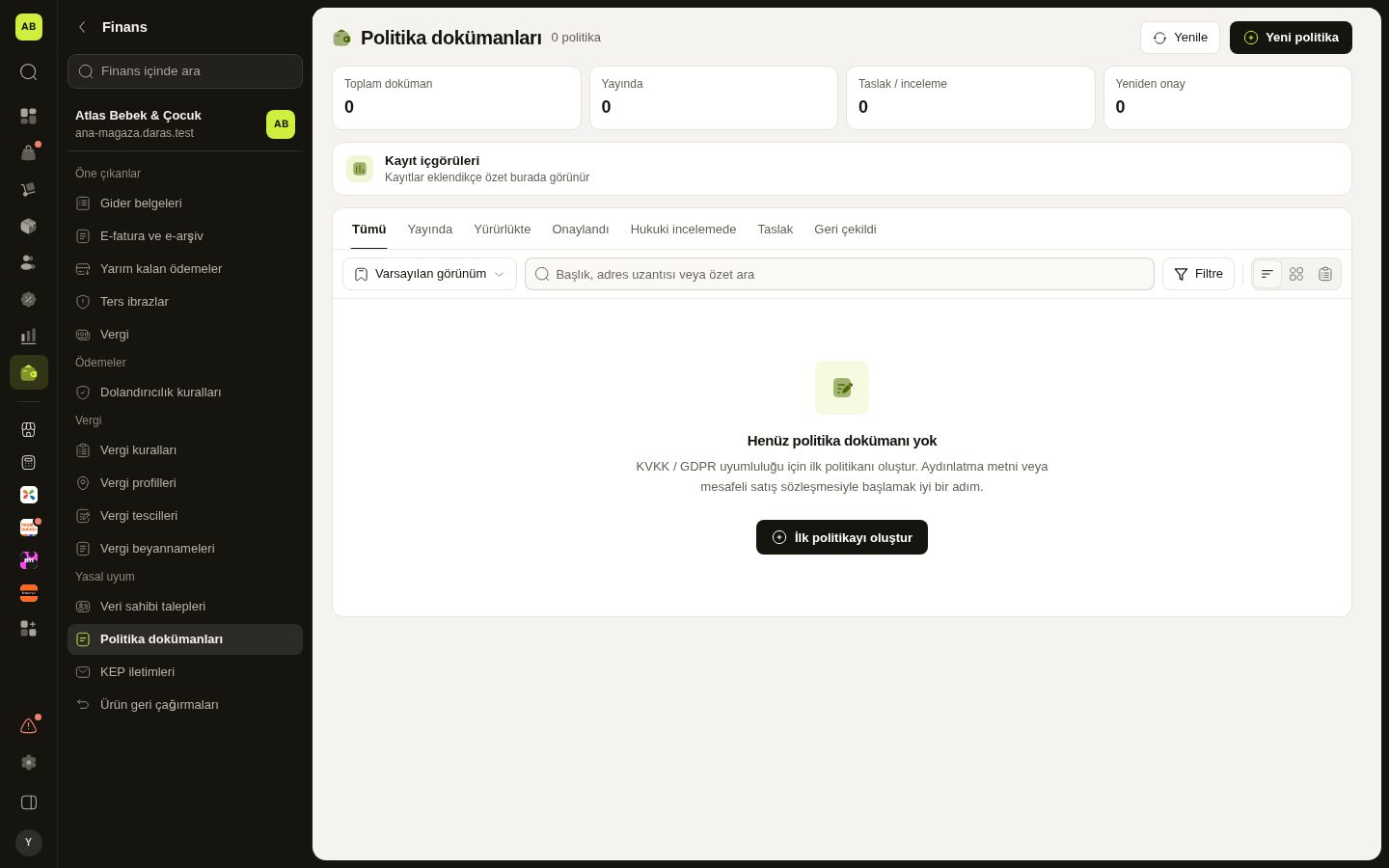
- Review and publish the Mesafeli Satış Sözleşmesi (Distance Sales Agreement), Ön Bilgilendirme Formu (Pre-Information Form), KVKK Aydınlatma Metni (KVKK Privacy Notice), Gizlilik ve Çerez Politikası (Privacy and Cookie Policy), and İptal ve İade Koşulları (Cancellation and Return Terms) templates with your official store title.
- Use the Ayarlar → Veri işleme sözleşmesi (DPA) (Settings → Data processing agreement (DPA)) page to view and approve the corporate data processing commitment.
3. Data Subject Requests and Product Recalls
- Complete customers' "Download my data" or "Delete / anonymize my account" requests under KVKK (Turkish data protection law) from the Uyumluluk → Veri talepleri (Compliance → Data requests) screen before the 30-day statutory deadline.
- If you need to recall a product batch due to safety or quality issues, send automatic notifications and free return codes to all customers who purchased that product from the Ürün geri çağırma (Product recalls) screen.
Common Issues and Solutions
| Issue | Cause | Solution |
|---|---|---|
| Agreement checkbox does not appear at checkout | Distance sales agreement was left in draft status | Set the agreement to Aktif / Yayında (Active / Published) on the Uyumluluk → Yasal sözleşmeler screen. |
| İYS notification shows "Bekliyor" (Pending) | İYS brand code/integration details have not been entered | Download the consent records as a CSV and upload them to your İYS dashboard, or activate your İYS API connection. |
Tips
- Before launching your store, make sure your MERSİS number, full physical address, and KEP (registered electronic mail) / email address are filled in across the ready-made templates on the Yasal sözleşmeler page.