
Sell furniture
made to measure.
Let customers choose size and fabric with an instant price, and offer room sets and single items in the same store.
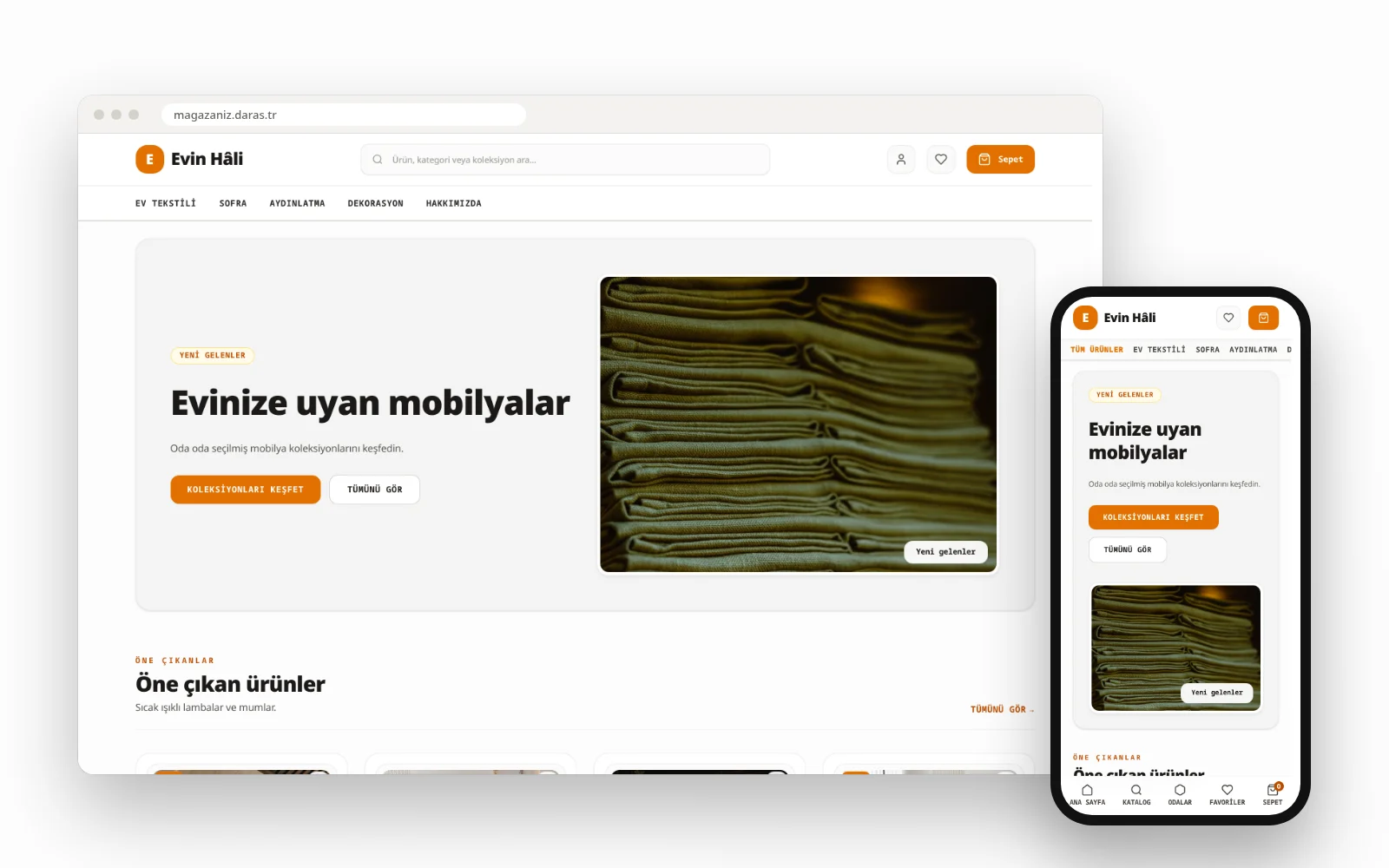
How do I build a furniture ecommerce website?
To build a furniture ecommerce website on Daras, pick the Casa theme, add your products and switch on the furniture module for made-to-measure items. The customer chooses size and options and the wizard calculates the price. In the Casa theme products in room photos are tagged, and the 3D module lets customers place it in their room.
Ready for a furniture store
Interactive room photos
In the Casa theme products in a room photo are tagged and link to the product.
Instalment payments
Instalments with virtual POS from 13 banks on high-value orders.
Sell with quotes
Collect quotes instead of prices for projects and bulk purchases.
One order list
Orders from your site and marketplaces are collected in one list.
Modules you can add for this industry
Modules are switched on from the Apps section; you only install what you need.
Ready-made themes designed for your industry
Pick a theme, change colours and text from the panel; no coding needed.
A furniture workshop sells online
- 1You tag the sofa, coffee table and rug in your living room photo in the Casa theme.
- 2You define width and fabric options for the sofa in the furniture wizard.
- 3The customer picks a size, sees the price instantly and pays in instalments.
- 4The order goes to production; you deliver by carrier or with your own team.
Marketplace orders land in the same panel
Orders from the marketplaces you connect arrive every 15 minutes, and stock stays the same on every channel.
 Trendyol integration
 Hepsiburada integration
 Amazon Türkiye integration
Common questions
