
Sell your food products
while they're fresh.
Add products with weight options, sell coffee and nuts by subscription and run flash sales in harvest season.
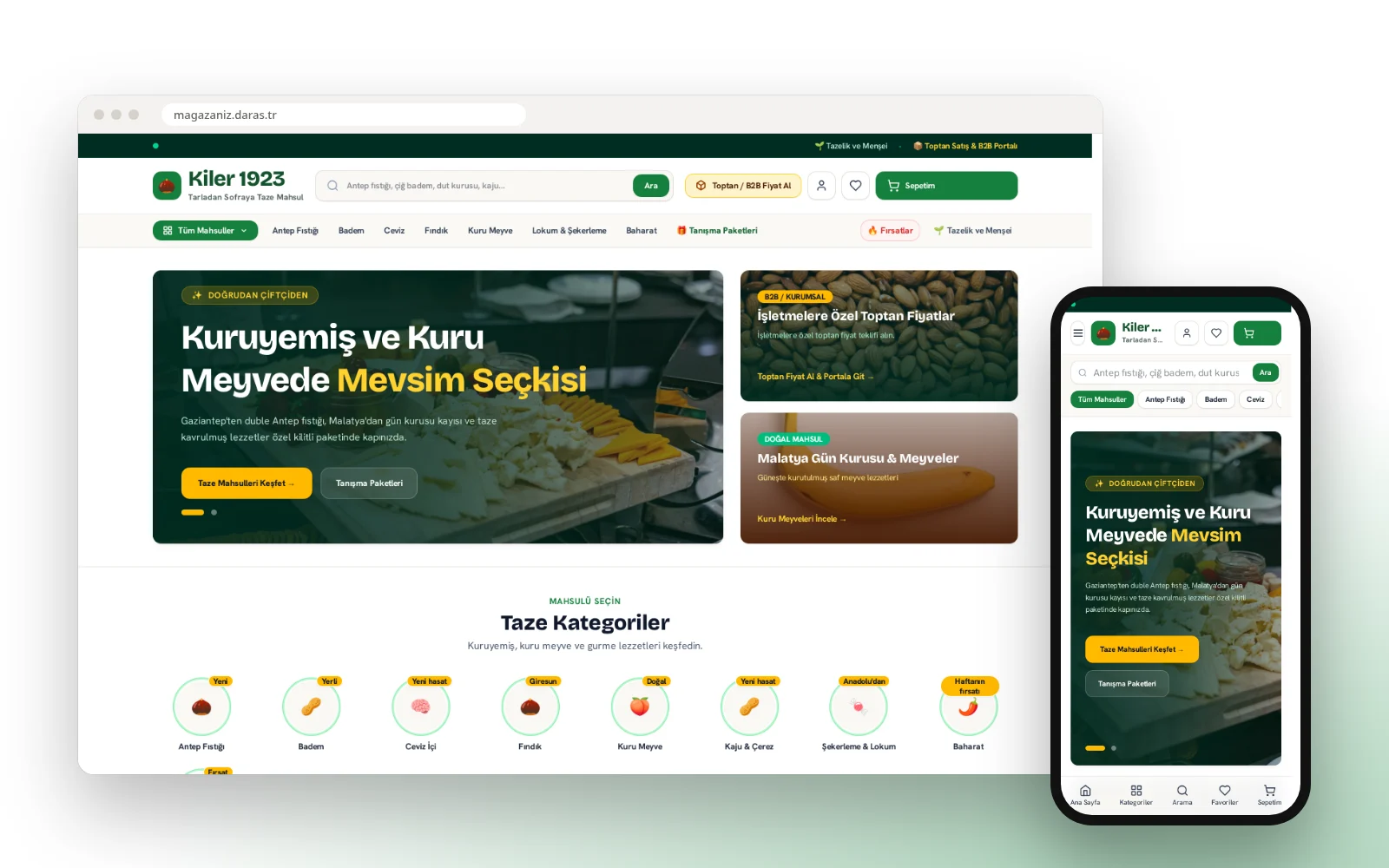
How do I sell food products online?
To sell food products on Daras, pick the Hasat theme and add products with weight options. The subscription module reorders regular products such as coffee and nuts every period, the bundle module sells mixed boxes at a discount and the flash sale module runs countdown campaigns. Orders, shipping and invoices are managed from one panel.
Ready for a food store
Weight options
Sell 250 g, 500 g and 1 kg options, each with its own stock.
Free shipping threshold
Make shipping free on orders above the amount you set.
Instalment payments
Collect by card with instalments through the virtual POS of 13 banks.
e-Invoice and e-Archive
Issue invoices from the panel without switching to another program.
Modules you can add for this industry
Modules are switched on from the Apps section; you only install what you need.
Ready-made themes designed for your industry
Pick a theme, change colours and text from the panel; no coding needed.
A nut shop's online sales
- 1You group products as roasted, raw and mixed with the Hasat theme.
- 2You add each product with 250 g and 1 kg options and separate stock.
- 3Before the holidays you feature a mixed gift box at a bundle price.
- 4Çiçeksepeti and Trendyol orders join the same list and the label comes from the panel.
Marketplace orders land in the same panel
Orders from the marketplaces you connect arrive every 15 minutes, and stock stays the same on every channel.
 Trendyol integration
 Hepsiburada integration
 Çiçeksepeti integration
Common questions
