
Your fashion store,
open today, not next week.
Pick a fashion theme, add products with their sizes, and manage orders from your site and marketplaces in one list.
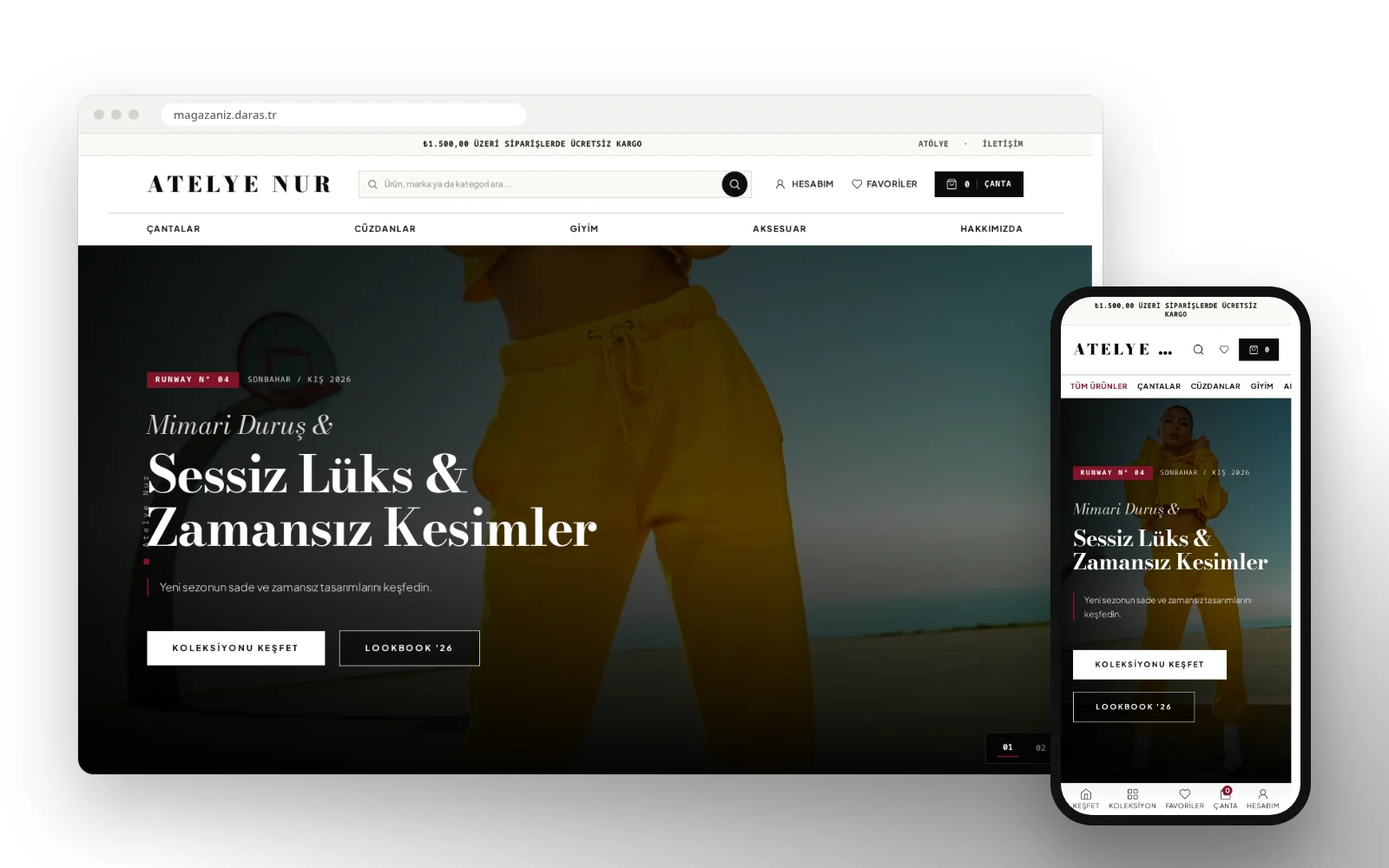
How do I build a fashion ecommerce website?
To build a fashion ecommerce website on Daras, open an account, pick the Vogue or Maison theme, add products with size and colour options and connect a payment method. Stock is tracked for every size and colour; Trendyol and Hepsiburada orders are managed from the same panel, and shipping labels and invoices come from the same screen.
Ready for a fashion store's daily work
Size and colour options
Add sizes and colours to every product; stock is tracked per option.
One order list
Orders from your site and marketplaces are collected in one list.
Instalment payments
Collect by card with instalments through the virtual POS of 13 banks.
Shipping labels
Print labels with your carriers from the panel; the tracking number goes to the customer.
Product copy with Daras AI
Product descriptions and search engine text from your fabric and fit details.
e-Invoice and e-Archive
Issue invoices from the panel without switching to another program.
Modules you can add for this industry
Modules are switched on from the Apps section; you only install what you need.
Ready-made themes designed for your industry
Pick a theme, change colours and text from the panel; no coding needed.
Vogue
An editorial fashion theme with full-screen imagery for apparel brands and boutiques.
Start with Vogue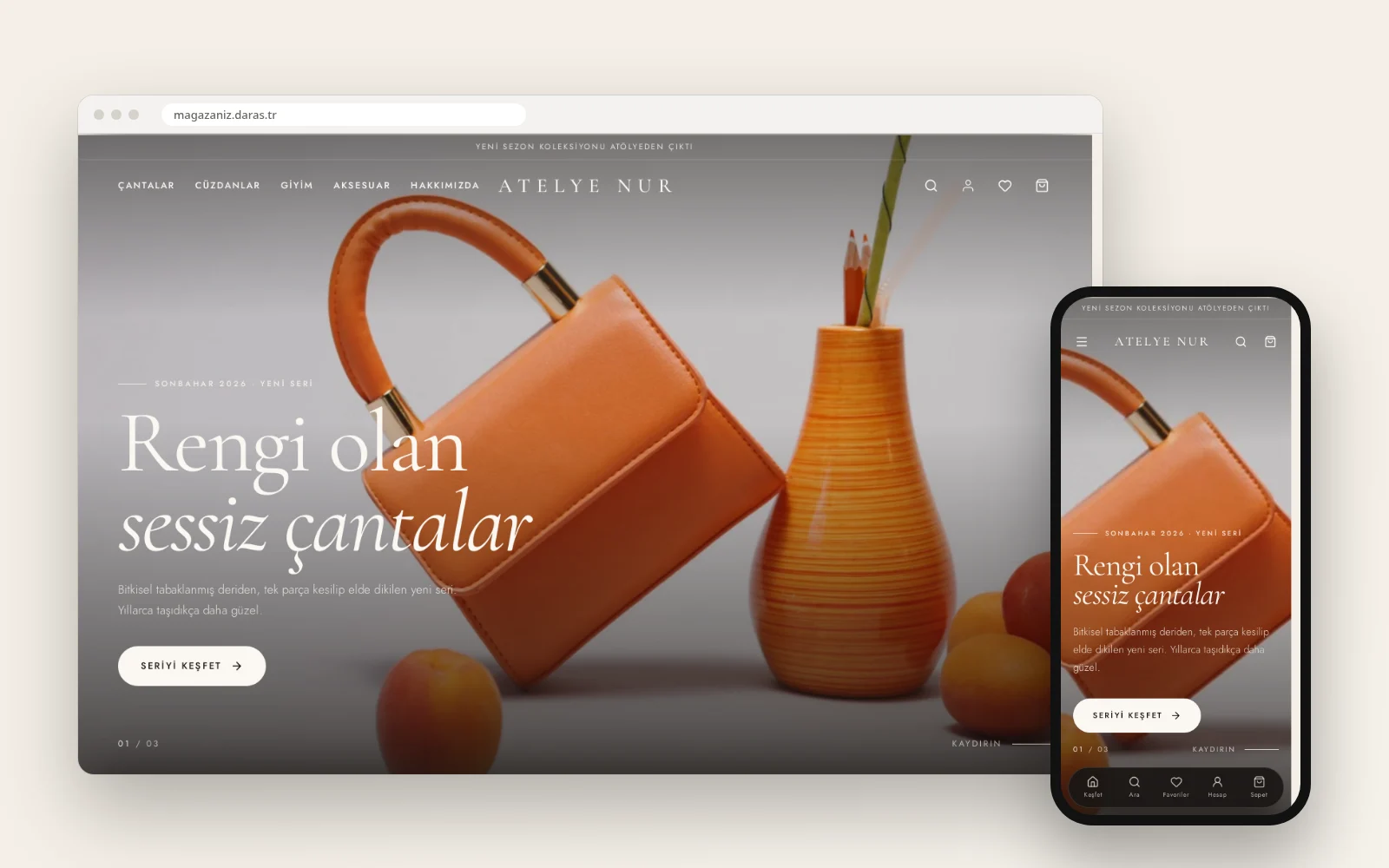
A boutique's first week
- 1You pick the Vogue theme and set your logo and colours in the panel.
- 2You add products with size and colour options, each with its own stock.
- 3You connect your Trendyol account; orders arrive in the panel every 15 minutes.
- 4You prepare shipping labels and invoices for incoming orders on the same screen.
Marketplace orders land in the same panel
Orders from the marketplaces you connect arrive every 15 minutes, and stock stays the same on every channel.
 Trendyol integration
 Hepsiburada integration
 Modanisa integration
Common questions
