
Move your bookshop
from shelves to screens.
Organise thousands of products by author, publisher and category, sell school sets as bundles and reward loyal readers with points.
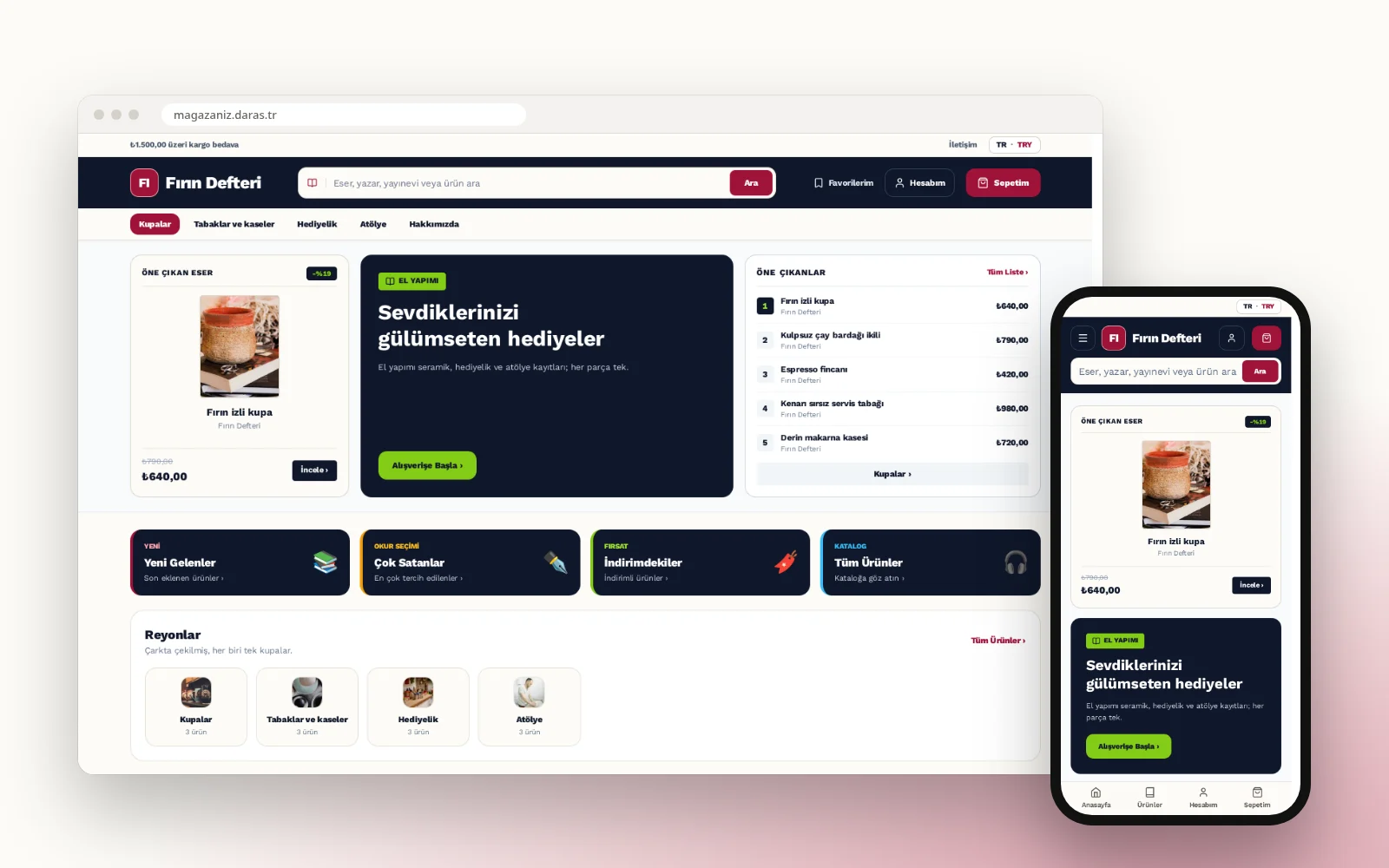
How do I sell books and stationery online?
To sell books and stationery on Daras, pick the Kültür theme and add products with author, publisher and category details. The bundle module sells school and series sets at a discount, and the loyalty module rewards repeat purchases. İdefix, Hepsiburada and Trendyol orders arrive in the same panel and stock stays the same on every channel.
Ready for a bookshop and stationery store
Bulk product upload
Import thousands of products from a file or your supplier's list.
Author and publisher pages
Group products on brand pages by author or publisher.
Barcode stock
Find products by barcode and count stock from the panel.
e-Invoice and e-Archive
Issue invoices from the panel without switching to another program.
Modules you can add for this industry
Modules are switched on from the Apps section; you only install what you need.
Ready-made themes designed for your industry
Pick a theme, change colours and text from the panel; no coding needed.
A bookshop's back-to-school season
- 1You feature the back-to-school category on the home page in the Kültür theme.
- 2You prepare stationery sets per grade at a bundle price.
- 3You switch on İdefix and Hepsiburada; sold units drop on every channel.
- 4You print shipping labels and invoices on the same screen.
Marketplace orders land in the same panel
Orders from the marketplaces you connect arrive every 15 minutes, and stock stays the same on every channel.
 İdefix integration
 Hepsiburada integration
 Trendyol integration
Common questions
